
PDFKing — Free PDF Tools for Everyday Work
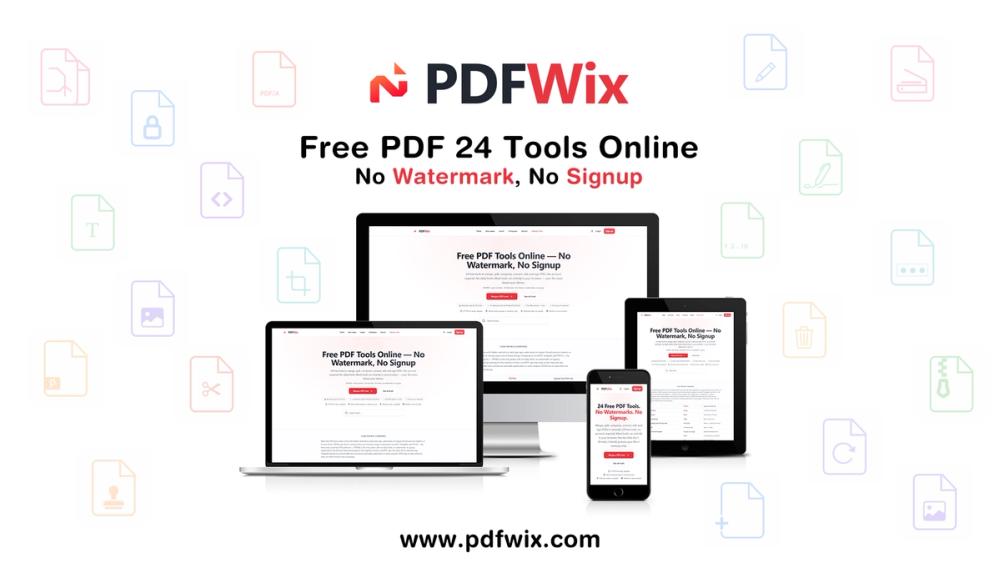
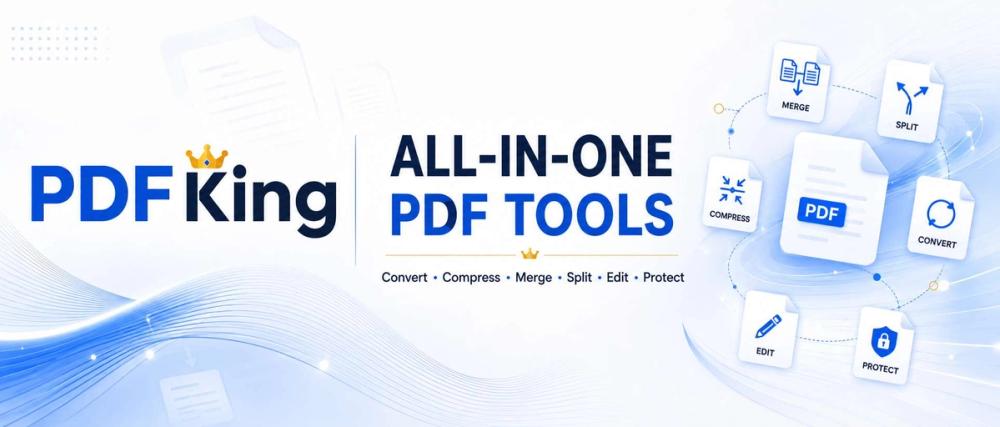
PDFKing is a free, browser-based PDF workspace that brings essential document tools together in one simple place. Merge, split, compress, convert, edit, sign, protect, redact, organize, and manage PDF files without installing desktop software or creating an account.
Everything You Need for PDFs
PDFKing helps you handle common document tasks quickly:
- Merge PDF — Combine multiple PDFs into one document.
- Split PDF — Separate a PDF into individual pages or smaller documents.
- Compress PDF — Reduce file size while keeping documents clear and readable.
- PDF to Word — Convert PDFs into editable DOCX documents.
- Word to PDF — Turn Word documents into polished PDFs.
- PDF to JPG — Export PDF pages as high-quality images.
- JPG to PDF — Combine images into a PDF document.
- Edit PDF — Add text, shapes, highlights, arrows, images, and annotations.
- Sign PDF — Draw, type, or upload a signature and place it directly on a PDF.
- Protect PDF — Add password protection to documents.
- Redact PDF — Permanently remove sensitive information before sharing.
- Watermark PDF — Add text or image watermarks to documents.
- Organize PDF — Reorder, rotate, delete, and manage PDF pages.
- Extract PDF Pages — Create a new PDF from selected pages.
- Add Page Numbers — Add professional page numbering to documents.
- Crop PDF — Remove unwanted margins and page areas.
- Edit PDF Metadata — Update document title, author, subject, and keywords.
- PDF to Text — Extract PDF content into an easy-to-use text file.
Simple, Fast, and Free
PDFKing is designed around a simple workflow: choose a tool, upload your document, adjust the available options, process the file, and download the result.
There is no complicated software to learn and no desktop installation required. PDFKing works directly in modern web browsers across desktop and mobile devices.
No Signup. No Watermarks.
PDFKing is built for users who want to get their PDF work done without unnecessary barriers.
- No account required for everyday PDF tools
- No watermarks on output files
- No desktop software installation
- Browser-based workflow
- Free PDF tools
- Simple and easy-to-use interface
Built for Work, School, and Everyday Documents
PDFKing is useful for professionals, students, freelancers, businesses, researchers, creators, and anyone who regularly works with documents.
Use it for reports, contracts, invoices, applications, assignments, forms, presentations, receipts, research papers, and other everyday PDF workflows.
One Workspace for Your PDF Workflow
Instead of switching between different websites for every PDF task, PDFKing brings common document operations together in one place.
Whether you need to merge documents, reduce a file size, convert a PDF to Word, sign a contract, remove sensitive information, or make a quick edit, PDFKing provides a straightforward way to complete the task online.
PDFKing — simple PDF tools that keep your work moving.