
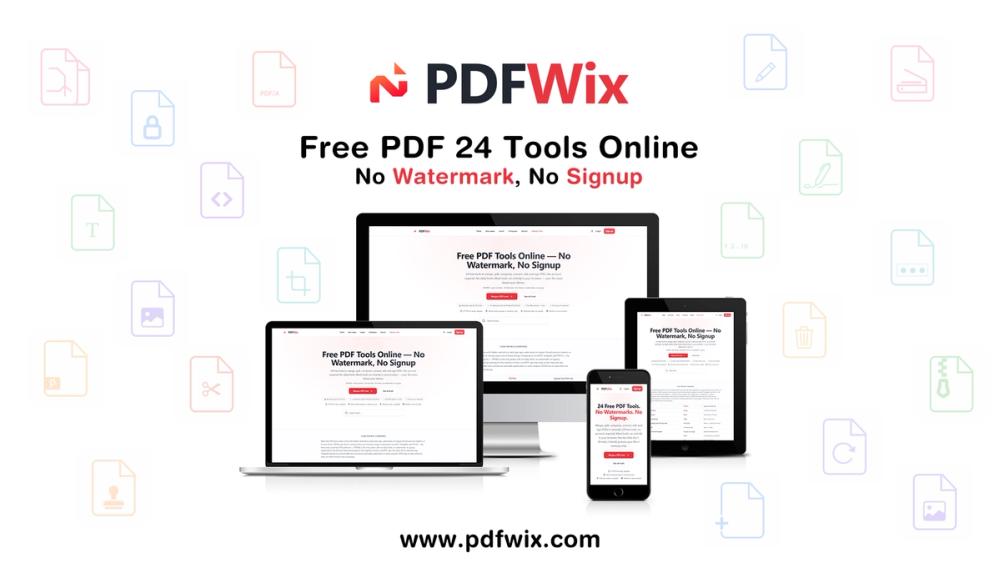
PDFWix — Free PDF Tools Without the Hassle
PDFWix is a free online PDF toolkit designed to make everyday PDF tasks simple, fast, and private.
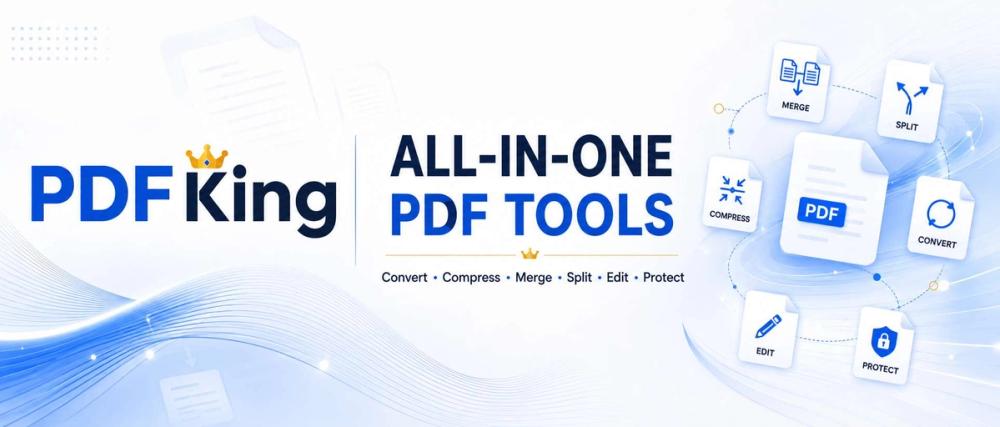
Whether you need to merge multiple PDFs, split pages, compress a large document, convert files, edit a PDF, add a signature, organize pages, or protect a document, PDFWix provides the tools you need directly in your browser.
Why PDFWix?
PDFWix is built around a simple idea: PDF tools should be easy to use without unnecessary restrictions.
- 24 free PDF tools
- No signup required
- No daily task limits
- No watermarks
- No software installation
- Works on desktop and mobile browsers
- Privacy-focused browser processing
Most PDFWix tools run directly inside your browser using WebAssembly. This means your files can be processed locally on your device instead of being uploaded to a remote server.
PDF Tools
PDFWix provides tools for a wide range of PDF workflows, including:
Organize PDFs
- Merge PDF
- Split PDF
- Organize PDF
- Rotate PDF
- Extract Pages
- Remove Pages
Convert Files
- Word to PDF
- Excel to PDF
- PDF to JPG
- PDF to PNG
- JPG to PDF
- HEIC to JPG
- HTML to PDF
Edit and Sign
- Edit PDF
- Fill PDF Forms
- Watermark PDF
- Sign PDF
- Add Page Numbers
- Crop PDF
- Scan to PDF
Compress and Secure
- Compress PDF
- Protect PDF
- Unlock PDF
- Redact PDF
- Repair PDF
- Compare PDF
Privacy-Focused PDF Processing
Privacy is a core part of PDFWix.
Most PDF tools process documents directly in the browser using WebAssembly, meaning the file does not need to leave your device. PDFWix states that 22 of its 24 tools run entirely in the browser.
Protect PDF and Unlock PDF use server-side processing when required, but files are processed in memory and are not written to disk.
No Signup. No Watermarks. No Daily Limits.
PDFWix is designed for people who simply need to get a PDF task done.
Open a tool, add your document, process it, and download the result — without creating an account or dealing with unnecessary restrictions.
Works Anywhere
PDFWix runs in modern web browsers on:
- Windows
- macOS
- Linux
- iPhone
- Android
- Chromebook
No application installation is required.
Built for Everyday PDF Work
PDFWix is useful for students, teachers, freelancers, businesses, developers, accountants, lawyers, healthcare professionals, creators, and anyone who works with PDF documents.
From compressing a document before sending an email to signing a contract or combining multiple files into one PDF, PDFWix provides simple browser-based tools for everyday document workflows.
Try PDFWix
Visit PDFWix to explore the complete collection of free PDF tools.
PDFWix — Free PDF tools. No signup. No watermark. No daily limits.