
Introduction
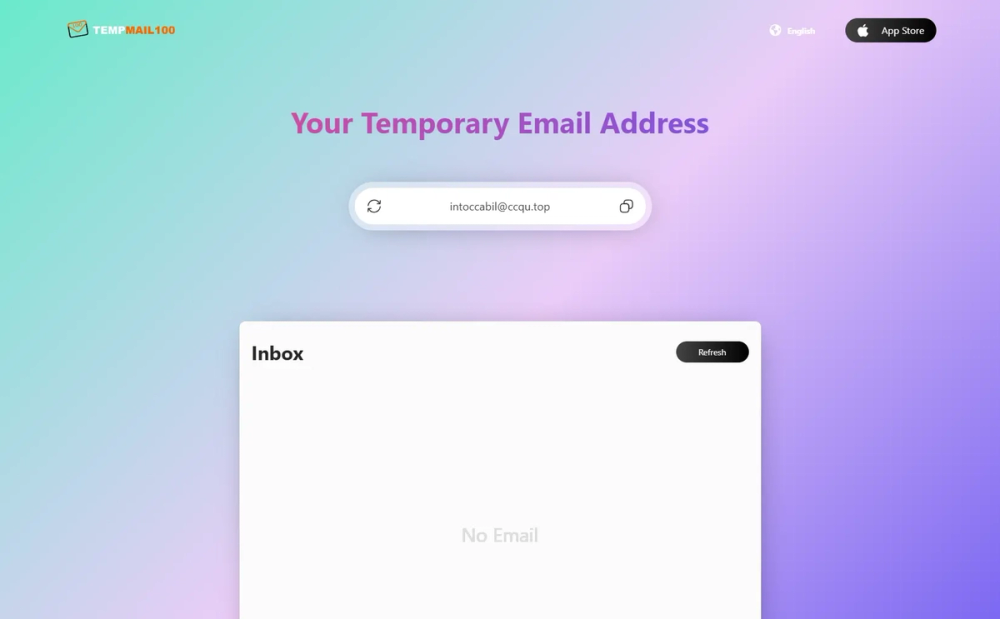
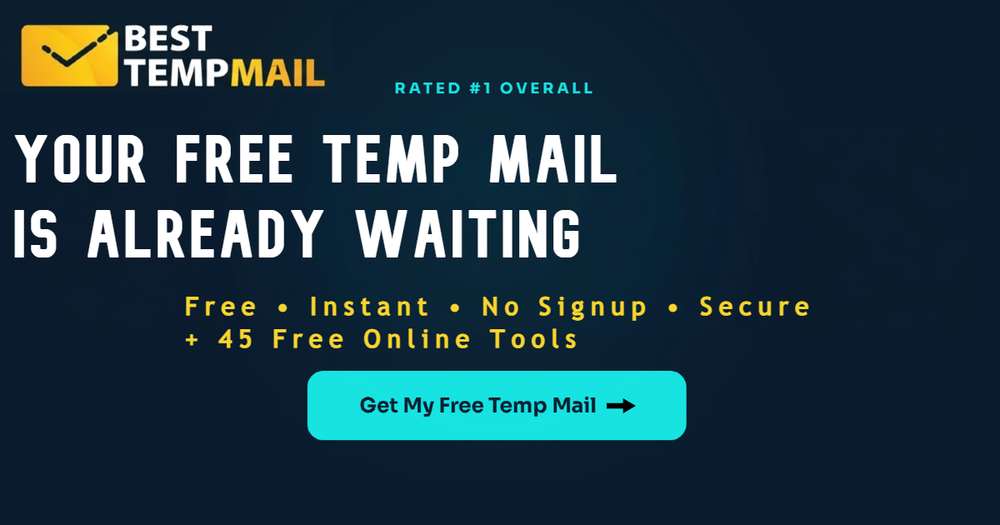
Best Temp Mail offers a free disposable temporary email service: instant throwaway addresses with no registration, aimed at keeping a real inbox away from spam, marketing, and one-off signups. The public site positions the product as a privacy-oriented temp mail generator with a short-lived inbox that deletes messages when the address expires. Anyone relying on it for account recovery or long-term access should confirm inbox lifetime and terms on the live site first.
Key Features
- One-click generation of temporary email addresses without creating a permanent account
- No registration or personal identity details required to start receiving mail
- Short-term inbox that receives verification and notification messages, then expires
- Automatic deletion of messages when the temporary inbox expires
- "10 Min Mail" and related free-tool labeling on the homepage experience
- Mobile distribution signals via App Store and Google Play listings referenced on the page
- Blog and article section covering how temporary email works, privacy, and spam prevention
- Educational copy on burner, throwaway, and disposable email terminology
- Free Tools area alongside core temp mail functionality
- Positioning as listed and featured across third-party web references (as stated on site)
Use Cases
The site highlights signups for forums, Wi-Fi portals, blogs, and services that demand email verification before access. Free trials on AI tools, SaaS demos, streaming offers, and promo lists are another common angle: use a disposable address, complete verification, and avoid long-term list clutter.
Developers may generate multiple addresses for app testing, QA, and onboarding simulations. Secondary accounts for forums or automation are also described. These are convenience and spam-reduction scenarios-not a substitute for accounts where you will need password resets or billing history tied to email.
Pricing
Public copy consistently describes the service as free: free temporary email, no registration required, and free-tier framing for trials and AI-tool signups. The fetched homepage does not show paid tiers, credit packs, or subscription tables. If premium longevity, custom domains, or extended inbox time exist, they were not visible on the primary page-check the live site and app listings before assuming paid upgrades.
User Experience and Support
The interface narrative is built around instant address creation, a loading inbox view, and blog guides ("How Temporary Email Works," choosing a reliable service, how to use a disposable address). Support appears self-serve through articles on privacy and spam prevention rather than live chat or ticket details on the homepage. App Store and Google Play links suggest mobile clients for users who prefer apps over the web tool. For account-specific issues, contact routes were not prominent in the single-page fetch.
Technical Details
Best Temp Mail operates as a web-based disposable email generator with optional mobile apps. Incoming mail lands in a temporary inbox, is stored briefly, then removed on expiry; the site states expired inboxes cannot be recovered. There is no public API catalog or integration list in the fetched material. Some sites block disposable domains-users should expect occasional signup failures. The page discusses technology behind temp mail at a high level in blog content without exposing infrastructure specifics.
Pros and Cons
Pros
- Fast, no-signup path to a throwaway address for one-time verifications
- Clear emphasis on spam reduction and separating real inboxes from risky signups
- Free positioning suits occasional users and trial-hunters
- Blog content helps readers understand limits and legitimate use cases
- Mobile app store presence may help on-the-go verification workflows
Cons
- Expiring inboxes mean lost access to codes and threads after TTL-poor fit for banking or primary accounts
- "Secure" and "anonymous" are marketing terms; actual retention, logging, and abuse policies need direct verification
- Only the homepage was available in fetch depth; pricing, support SLAs, and premium features may live elsewhere
- Many platforms reject disposable domains, which limits where the address works
FAQ
What is Best Temp Mail?
Best Temp Mail is a free temporary email service that provides short-lived disposable addresses. Users receive mail in a temp inbox without registering a permanent account, and messages are removed when the inbox expires.
Who is Best Temp Mail best suited for?
It fits people who need a quick verification email for forums, Wi-Fi, promos, SaaS demos, or AI free trials and want to keep marketing and spam off a primary inbox. It is a poor match for services where you must recover the account years later.
Do you need to register to use Best Temp Mail?
The site states no registration is required and that no personal information is needed to generate an address. Confirm whether mobile apps use the same no-account model.
How long does a temporary inbox last?
The homepage references short-term use and "10 Min Mail" branding, implying limited lifetime, but exact duration and extension rules should be confirmed in the live tool-do not assume unlimited access.
What happens to emails when the inbox expires?
The public copy says emails are permanently deleted and cannot be recovered after expiry. Save any verification codes or receipts before the window closes.
Can developers use Best Temp Mail for testing?
The site lists app testing, QA, and onboarding simulations as legitimate uses. Teams should still verify deliverability, rate limits, and whether test domains are blocked by their own auth flows.
What should users verify before trusting a disposable email for sensitive signups?
Check whether the target site allows disposable domains, read Best Temp Mail's privacy and retention policies, and avoid using temp mail for financial, medical, or work-critical accounts where email recovery matters.
Conclusion
Best Temp Mail is positioned as a free, instant disposable inbox for verification-heavy signups and spam control, with educational blog content and optional mobile apps. Treat addresses as ephemeral: useful for short tasks, risky for anything you must keep. Open the homepage to confirm current inbox duration, policies, and tool behavior before relying on it for a specific signup.